It is 9:17 in the morning.
Your support lead opens the dashboard and sees the queue already filling up. Customers are asking where their order is, why their invoice is wrong, why nobody replied yesterday, and why they have to explain the same issue again.
The agents are not lazy. They are busy. Too busy.
One person is copying details from chat into the CRM. Another is checking an old spreadsheet. Someone else is rewriting the same answer for the tenth time. A manager is trying to understand why response time went up again this week.
The business does not feel broken from the outside. Customers are still being answered. Tickets are still being closed. Reports are still being sent.
But inside, the team knows the truth.
Too much work is moving through humans because the systems are not doing enough.
That is the real problem contact center automation should solve.
Not replacing every agent.
Not adding a shiny chatbot to the website.
Not pretending AI can understand every angry customer better than a trained human.
Real contact center automation is about removing the repetitive work that slows your team down, then giving humans better tools for the conversations that actually matter.
What contact center automation really means
Contact center automation means using AI, workflow automation, integrations, and rules to handle repeatable support work across phone, chat, email, WhatsApp, CRM, helpdesk, and internal tools.
In simple words, it helps your support operation do three things better.
Answer simple questions faster.
Move information between systems without manual effort.
Help agents solve harder problems with better context.
This can include AI chatbots, voice bots, ticket routing, call summaries, CRM updates, automated follow ups, sentiment detection, quality checks, and agent assist tools.
But here is the part many businesses get wrong.
Contact center automation is not one tool. It is a system.
A chatbot alone cannot fix a messy support process.
A voice bot alone cannot fix poor customer data.
A CRM integration alone cannot fix unclear policies.
The best results come when AI Automation is built around the real workflow, not around a demo.
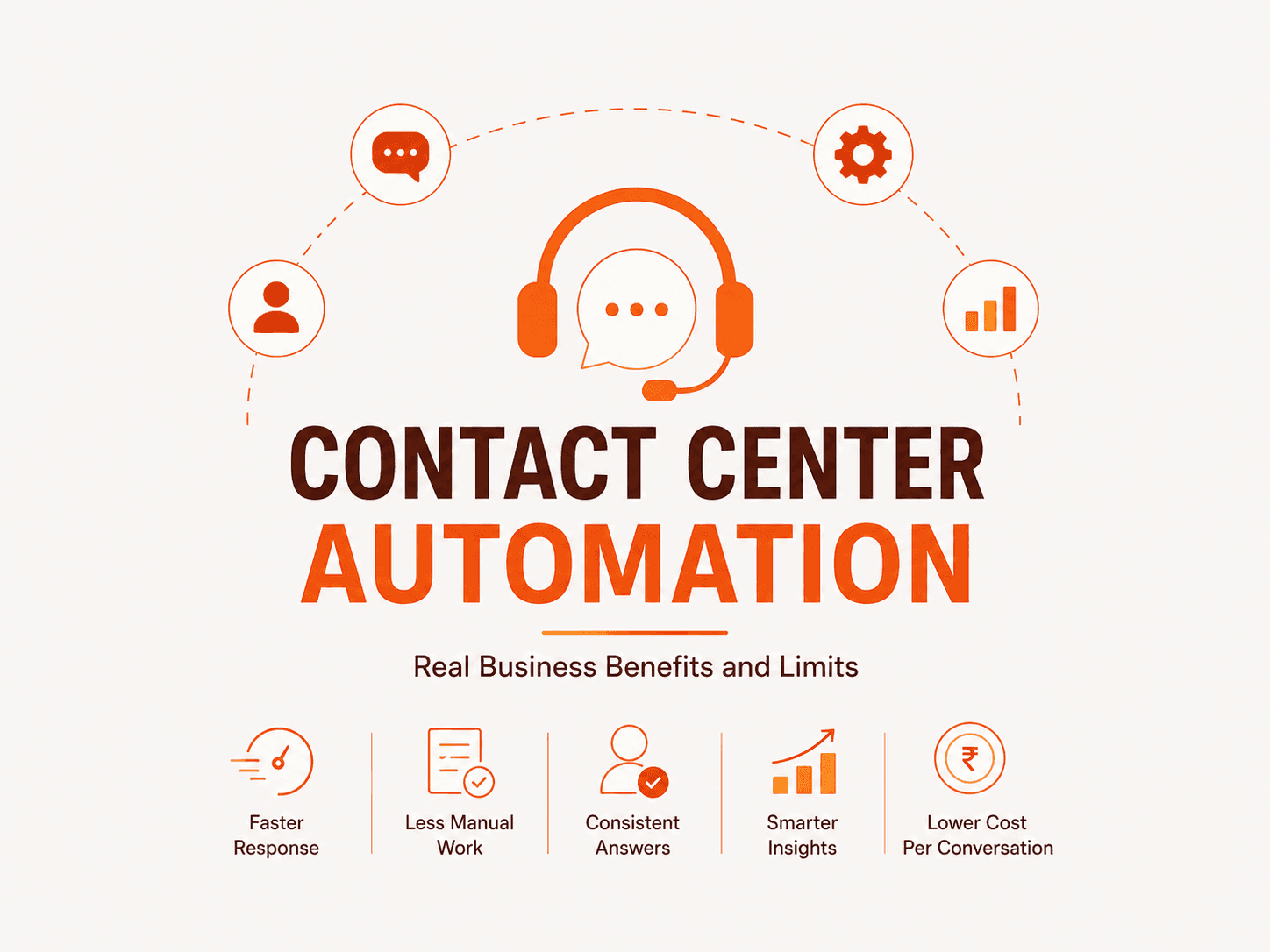
The real business benefits of contact center automation
1. Faster response without hiring more people
Customers do not care how busy your team is. They care how quickly their issue moves forward.
Automation helps by handling common questions, collecting missing information, routing tickets to the right person, and giving instant status updates.
This reduces waiting time.
It also stops agents from spending their best hours on basic tasks.
For a growing business, this matters because support volume usually rises before the team is ready. Without automation, every growth phase turns into a hiring problem.
With the right Business Automation setup, the same team can handle more volume without burning out.
2. Agents spend less time on copy paste work
Many contact centers do not have a talent problem. They have a manual work problem.
Agents are often stuck doing things software should handle.
They copy customer details.
They update ticket fields.
They write summaries.
They search old replies.
They ask customers for information that already exists somewhere else.
This is expensive because skilled people are spending time on low value tasks.
Automation can summarize conversations, update systems, suggest replies, pull customer history, and prepare the next step before the agent even starts.
That does not make agents less important.
It makes their time more useful.
3. Customers get more consistent answers
A customer should not get one answer on chat, another answer by email, and a third answer from a phone agent.
That creates frustration. It also creates risk.
Contact center automation can connect your knowledge base, policies, CRM, and support scripts so answers stay more consistent across channels.
This is especially useful when your team is growing, working remotely, or handling support across multiple time zones.
Good automation reduces the gap between your best agent and your newest agent.
4. Managers finally see what is actually happening
Most leaders look at support through surface numbers.
Ticket count.
Average handle time.
Response time.
CSAT.
These numbers are useful, but they do not always explain why problems happen.
AI can analyze conversations and show patterns.
Which product issues keep repeating?
Which billing questions create the most escalations?
Which customer objections appear before churn?
Which topics need better documentation?
This turns the contact center from a cost center into a learning system.
That is where AI Automation becomes more than support efficiency. It becomes business intelligence.
5. Lower cost per conversation
Labor is usually one of the biggest costs in contact center operations.
Automation can reduce cost per conversation by handling routine interactions, shortening resolution time, reducing repeat contacts, and helping agents complete work faster.
But do not be childish about this.
The goal is not to fire people and call it innovation.
That is weak strategy.
The better goal is to stop wasting trained people on work that machines can handle safely. Then use those people for retention, customer success, complex cases, sales support, and high value conversations.
That is how automation protects revenue, not just cost.
The limits of contact center automation
This is the part most AI vendors avoid.
Automation has limits. Ignoring them is how businesses waste money.
1. AI cannot fix a broken process
If your refund policy is unclear, automation will only answer unclear questions faster.
If your CRM data is messy, AI will pull messy data.
If your team does not know when to escalate, automation will not magically create judgment.
Before buying Automation Services, ask this first.
Is the workflow clear enough for a machine to follow?
If not, fix the workflow first.
2. AI is only as good as the knowledge it can use
An AI chatbot cannot give reliable answers if your help articles are outdated, your policies live in random documents, and your team keeps important knowledge in private chats.
Bad knowledge creates bad automation.
This is why the first step is often not model selection.
It is knowledge cleanup.
What should the AI know?
What should it never say?
When should it stop and hand over to a human?
Without these rules, automation becomes a risk.
3. Some conversations need humans
Customers contact support when something is confusing, delayed, broken, urgent, or emotionally charged.
That means trust matters.
AI can handle many simple tasks, but it should not own every sensitive conversation.
Refund disputes, angry customers, legal concerns, complex billing issues, damaged relationships, and high value accounts often need human judgment.
A good system does not hide the human.
It brings the human in at the right moment with full context.
4. Automation needs monitoring
Contact center automation is not set and forget.
Customer questions change.
Products change.
Policies change.
Offers change.
Compliance rules change.
If nobody reviews AI responses, escalation quality, failed conversations, and customer feedback, the system slowly becomes weaker.
This is where many companies fail.
They launch automation.
They celebrate the demo.
Then nobody owns the weekly improvement loop.
That is not automation strategy. That is neglect.
Where contact center automation should start
Start where the work is repetitive, measurable, and painful.
Good first use cases include:
Ticket triage and routing
Sorting incoming messages by topic, urgency, account type, language, and required team.
Call and chat summarization
Turning long conversations into clean summaries for agents, managers, and CRM records.
Agent assist
Suggesting replies, policies, knowledge articles, and next steps while the agent is working.
CRM and helpdesk updates
Filling fields, creating tasks, logging notes, and syncing customer records automatically.
Follow up automation
Sending status updates, reminders, survey requests, and resolution confirmations.
Quality assurance
Reviewing conversations for tone, compliance, missed steps, and coaching opportunities.
Lead qualification inside support
Identifying customers who are asking buying questions and sending them to the right sales path.
These are practical AI Automation use cases because they remove friction from the daily work your team already does.
How to know if your business is ready
You are probably ready for contact center automation if these problems sound familiar.
Your agents answer the same questions every day.
Your CRM is always behind.
Customers repeat themselves across channels.
Managers do not know why ticket volume is rising.
Support quality changes from agent to agent.
Your team spends too much time on admin work.
You are hiring more people but the queue still feels heavy.
You are not ready if your internal process is still unclear, your knowledge base is weak, or leadership only wants AI because it sounds impressive.
That will fail.
Not because AI is bad.
Because the business is not ready to use it properly.
What a serious automation partner should do
A serious Automation Services partner should not start by selling you a chatbot.
They should start by asking where your business is leaking time and money.
They should map the workflow.
They should study your tools.
They should review your support data.
They should find the tasks that are repetitive enough to automate and important enough to matter.
They should design human handoff rules.
They should build monitoring.
They should measure results after launch.
For a company like Eveningside Labs, the stronger positioning is not “we build AI tools.”
The stronger positioning is:
We study your support operation, find where work is getting stuck, and build AI systems that remove the bottleneck.
That is much more believable.
It also speaks to the buyer’s real pain.
The buyer is not waking up thinking, “I need a chatbot.”
They are thinking:
Why is my team still overloaded?
Why are customers waiting?
Why are simple issues reaching expensive people?
Why do we not know what is causing repeat tickets?
Why are we growing revenue but also growing operational chaos?
That is the conversation your blog should own.
How to measure success
Do not measure automation by how advanced it sounds.
Measure it by business outcomes.
Track:
The best contact center automation projects make these numbers easier to understand and easier to improve.
If the numbers do not move, the automation is decoration.
Practical takeaway
Contact center automation works when it is built around real business pain.
It fails when it is treated like a shortcut.
The smartest leaders will not ask, “Can AI replace our support team?”
They will ask a better question.
“Which parts of our support operation should never have needed a human in the first place?”
That question changes the project.
It moves the focus from hype to workflow.
From tools to outcomes.
From AI as a cost cutting trick to AI as an operating advantage.
And that is where contact center automation becomes worth investing in.